
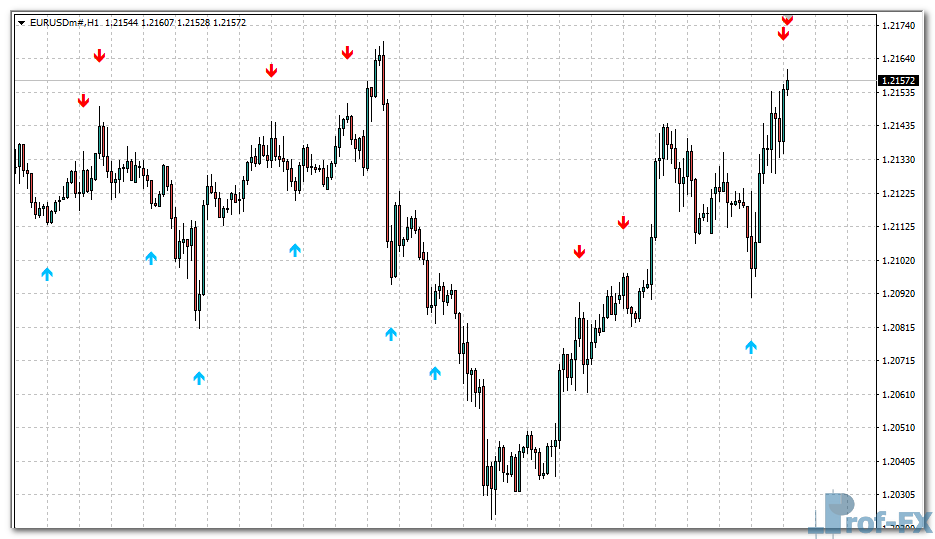
Momentum on Chart Signals

Momentum on Chart Signals mt4
Momentum on Chart Signals mt4 Momentum on Chart Signals mt4

How to Instal “Momentum on Chart Signals” Indicator for Metatrader 4

  1. Open your Metatrader 4 platform.
  2. Download and save the “Momentum on Chart Signals” indicator to your desktop or any other folder located on your local computer.
  3. Choose “File” then “Open Data Folder” (Ctrl + Shift + D) on your Metatrader 4 platform.
  4. Explore the following folder: MQL4 > Indicators.
  5. Copy and paste the “Momentum on Chart Signals” indicator into this folder.
  6. Restart Metatrader 4.
  7. “Momentum on Chart Signals” indicators are stored by default in the custom indicator folder.
  8. To access these indicators, go to Top Menu > Insert > Indicators > Custom.
  9. In order to add a “Momentum on Chart Signals” indicator to any of your Metatrader 4 charts, you will need to select a forex chart with one mouse click, then go to Top Menu > Insert > Indicators > Custom > click the “Momentum on Chart Signals”.
  10. Done!

See a complete guide How To Install Metatrader 4 Custom Indicators

Free Download Momentum on Chart Signals indicator for Metatrader 4

  • momentum-on-chart-signals.zip
  • Size: 22.6 kb
  • Platform: MT4 | Format: .mql4/.ex4 | File: dir8mt4 | Request Remove!
Forex Advertising rectangle - headway
Forex Advertising Package
Gravatar Image
FX Script is a collective of skilled forex traders with extensive knowledge of MetaTrader indicators. Known for their expertise, they regularly contribute to Prof FX, offering practical trading tips and advanced strategies to guide traders towards success in the forex market.

Leave a Reply

Your email address will not be published. Required fields are marked *

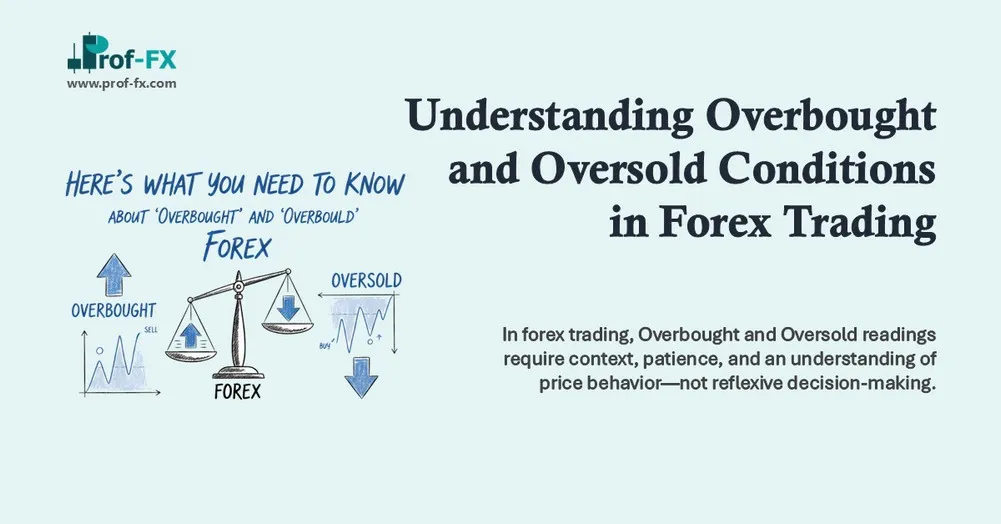
Understanding Overbought and Oversold Conditions in Forex Trading

When something is “overdone” in everyday life – like food in the oven or an engine overheating – our instinctive

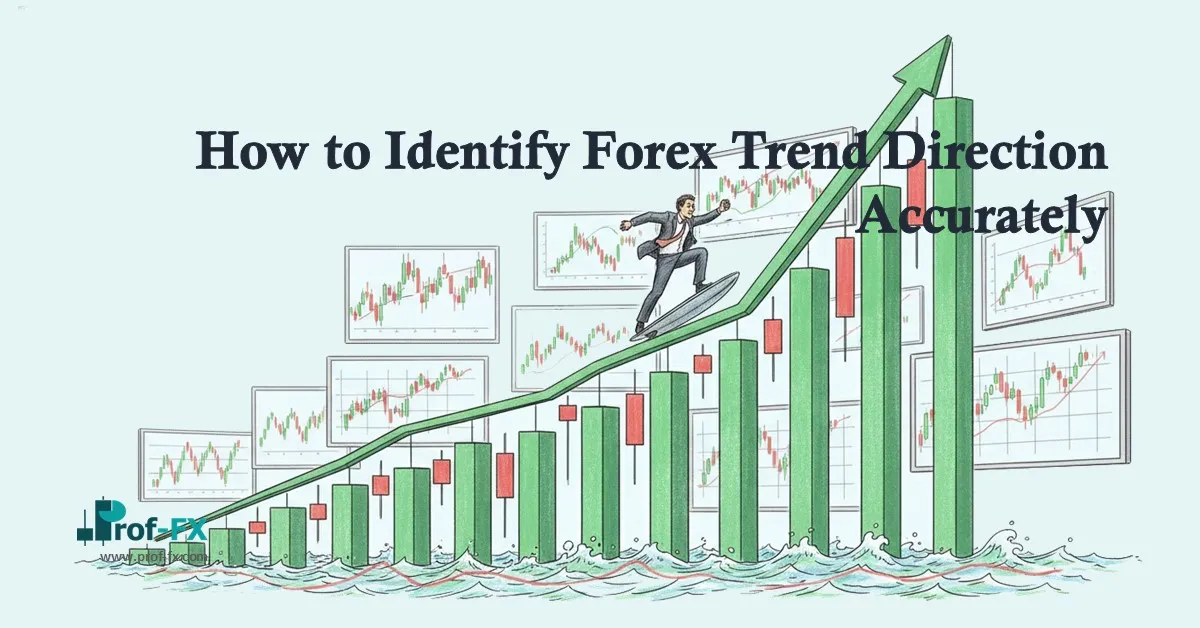
How to Identify Forex Trend Direction Accurately

Why Trend Direction Matters in Forex Trading You may have heard the popular saying, “the trend is your friend.” In

Learn Oil Trading Strategies for Smarter Trades

Crude oil remains one of the most liquid and actively traded commodities in global financial markets. High trading volume, strong

Identify Market Direction with the Aroon Indicator

Finding the prevailing trend direction is one of the most essential—and often most challenging—tasks for any forex trader. Consider the

Technical Analysis Charts – Talking Points Technical chart analysis helps traders identify price patterns, market structure, and trends Understanding charts

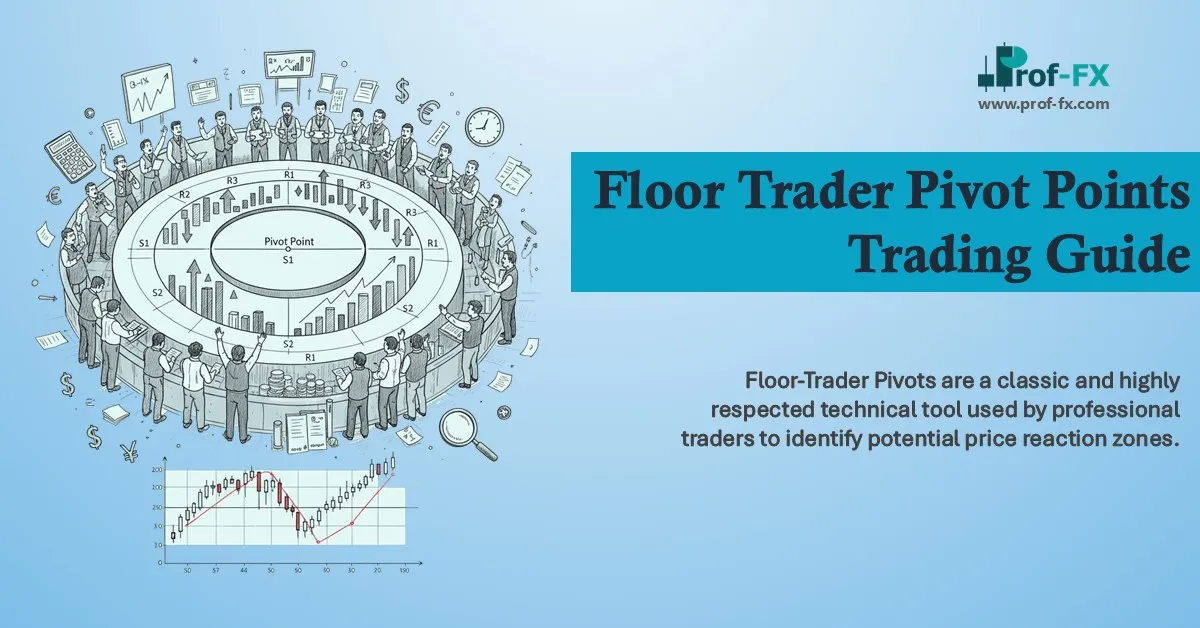
Floor Trader Pivot Points

Floor-Trader Pivots are a classic and highly respected technical tool used by professional traders to identify potential price reaction zones.

How GDP Data Influences Forex Trading

Gross Domestic Product (GDP) is one of the most critical economic indicators in the forex market. For forex traders, understanding

Job Announcement Forex

Employment announcements report on the number of new jobs that have been created in an economy and the percentage of