
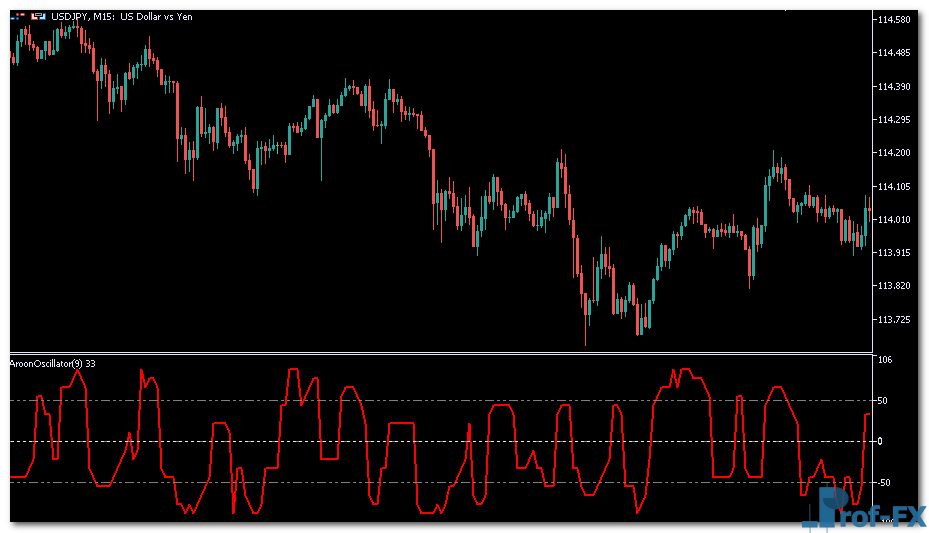
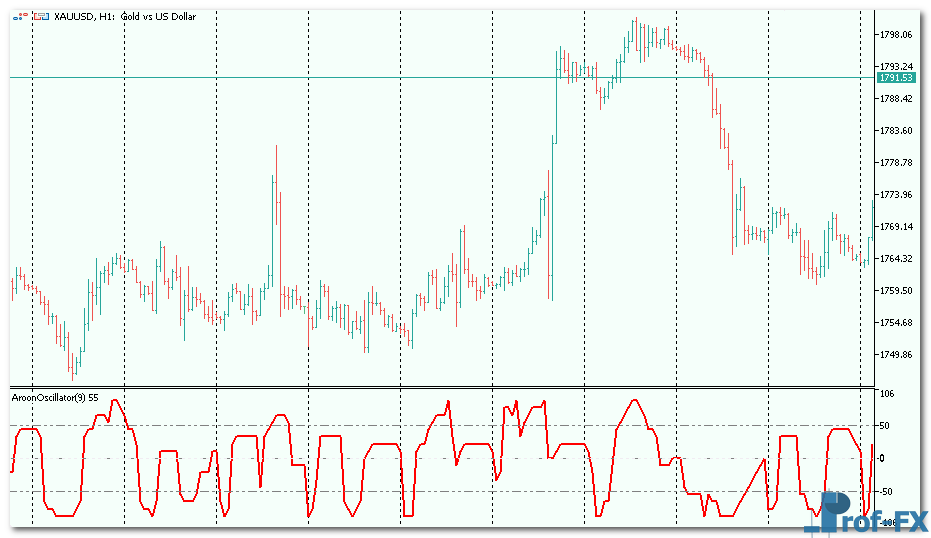
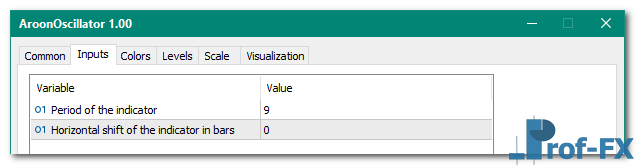
AroonOscillator

AroonOscillator mt5 indicator

AroonOscillator mt5 indicator

AroonOscillator mt5 indicator

AroonOscillator mt5 indicator

AroonOscillator mt5 indicator


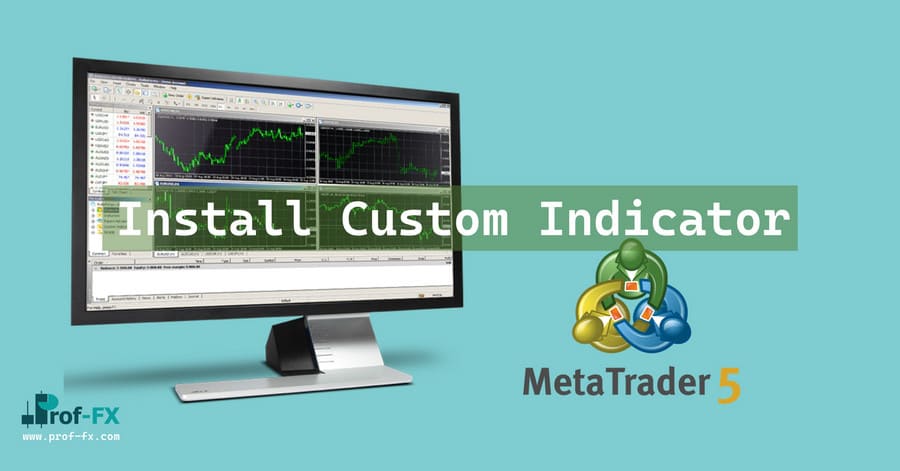
How To Install Metatrader 5 AroonOscillator indicator

  1. Download and save the “AroonOscillator indicator” to your desktop or any other folder located on your computer.
  2. Open your Metatrader 5 platform.
  3. Choose “File” then “Open Data Folder” (Ctrl + Shift + D) on your Metatrader 5 platform.
  4. Explore the following folder: MQL5 > Indicators.
  5. Copy and paste the “AroonOscillator indicator” into this folder.
    Tip: Create subfolders inside the main MT5 Indicators folder to help keep your indicators better organized.
  6. Restart your Metatrader 5.
  7. MT5 custom indicators are stored by default in the custom indicator folder.
    To access these indicators, go to Top Menu > Insert > Indicators > Custom
  8. In order to add a custom indicator to any of your Metatrader 5 charts, you will need to select a forex chart with one mouse click, then go to Top Menu > Insert > Indicators > Custom > click the “AroonOscillator” indicator.
  9. Done!

See a complete guide How To Install Metatrader 5 Custom Indicators

Free Download AroonOscillator indicator for Metatrader 5

  • AroonOscillator.zip
  • Size: 21.4 kb
  • Platform: MT5 | Format: .mql5/.ex5 | File: dir5mt5 | Request Remove!
Forex Advertising rectangle - headway
Forex Advertising Package
Gravatar Image
FX Script is a collective of skilled forex traders with extensive knowledge of MetaTrader indicators. Known for their expertise, they regularly contribute to Prof FX, offering practical trading tips and advanced strategies to guide traders towards success in the forex market.

Leave a Reply

Your email address will not be published. Required fields are marked *

How to Trade Forex with Confidence

Trading confidence is not something traders are born with—it is developed through structure, discipline, and experience. In the forex market,

Beginner’s Guide to Trendline Analysis in Forex Trading

Trendline analysis is one of the most fundamental techniques in forex trading. It provides a structured and objective way to

In the fast-paced and ever-changing world of the Forex market, traders of all levels of experience can fall victim to

Deliberate Practice in Trading

“You just need more chart time“. I hear this advice all the time. My take on this? Yes and no.

How to Use Trendlines in Forex Trading

Support and resistance levels are among the most widely utilized technical tools in the Forex market. These pivotal charting points

Interest Rate Announcement

The interest-rate announcement specifies the short-term target rate that the central bank will try to maintain in the future. Interest

How to Read Price Action Swings in Trading

Why Price Never Moves in a Straight Line Any trader who has spent enough time analyzing candlestick charts will quickly

How to Trade the London Forex Session Successfully

The London trading session is widely recognized as the most influential period in the global forex market. According to data