
Middle Point Channel

Middle Point Channel metatrader 5
Middle Point Channel metatrader 5 Middle Point Channel metatrader 5

How To Install Metatrader 5 Middle Point Channel indicator

  1. Download and save the “Middle Point Channel indicator” to your desktop or any other folder located on your computer.
  2. Open your Metatrader 5 platform.
  3. Choose “File” then “Open Data Folder” (Ctrl + Shift + D) on your Metatrader 5 platform.
  4. Explore the following folder: MQL5 > Indicators.
  5. Copy and paste the “Middle Point Channel indicator” into this folder.
    Tip: Create subfolders inside the main MT5 Indicators folder to help keep your indicators better organized.
  6. Restart your Metatrader 5.
  7. MT5 custom indicators are stored by default in the custom indicator folder.
    To access these indicators, go to Top Menu > Insert > Indicators > Custom
  8. In order to add a custom indicator to any of your Metatrader 5 charts, you will need to select a forex chart with one mouse click, then go to Top Menu > Insert > Indicators > Custom > click the “Middle Point Channel” indicator.
  9. Done!

See a complete guide How To Install Metatrader 5 Custom Indicators

Free Download Middle Point Channel indicator for Metatrader 5

  • middle-point-channel.zip
  • Size: 34.6 kb
  • Platform: MT5 | Format: .mql5/.ex5 | File: dir2mt5 | Request Remove!
Forex Advertising rectangle - headway
Forex Advertising Package
Gravatar Image
FX Script is a collective of skilled forex traders with extensive knowledge of MetaTrader indicators. Known for their expertise, they regularly contribute to Prof FX, offering practical trading tips and advanced strategies to guide traders towards success in the forex market.

Leave a Reply

Your email address will not be published. Required fields are marked *

Central Bank Key Player in The Forex

Central banks are manipulators. Now, don’t get us wrong. Central banks are not malicious manipulators. They are not out in

Singapore Dollar

The Singapore dollar (SGD) is considered to be an exotic currency in the Forex market. The first thing you need

Swedish Krona Currency

The Swedish krona (SEK) is considered to be an exotic currency in the Forex market. Sweden is the world’s thirty-second

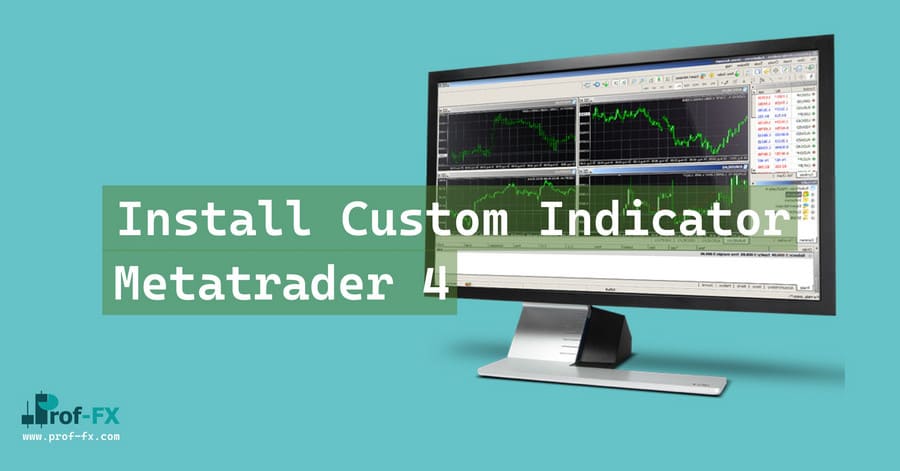
Install Metatrader 4 Custom Indicator
by Prof Team - Sep 13 | in Forex Basics

Installing custom indicators to the Metatrader 4 platform is actually a pretty simple task. Please find below the 7 steps

Reducing the Effect of Emotions on FX Trading

It is important for every forex trader to be able to manage his or her emotions so as to not

Understanding Quantitative Tightening

Quantitative tightening (QT) is a powerful yet often misunderstood monetary policy tool used by central banks to reduce the money

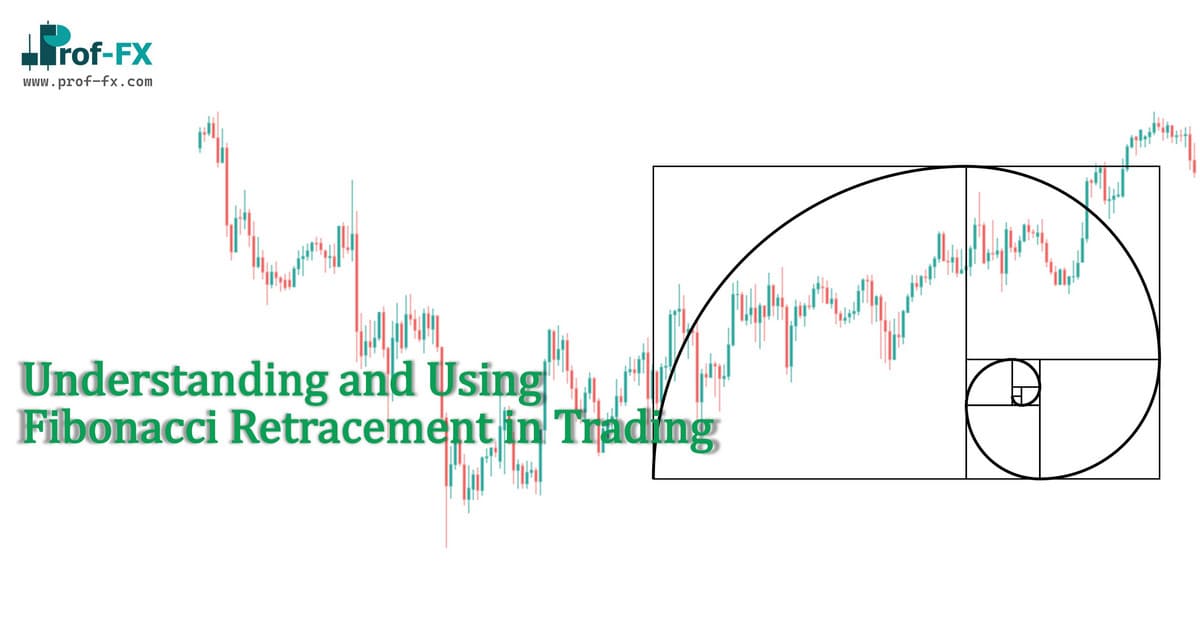
Using Fibonacci Retracement in Trading

Fibonacci Retracements is one of the widely used tools by traders for technical analysis. Principally, the tool helps in identifying

Understanding Employment as a Core Driver of Economic Performance Employment is widely recognized as one of the most important indicators