
Breakout Zones

Breakout Zones mt5 indicator
Breakout Zones mt5 indicator Breakout Zones mt5 indicator
Breakout Zones mt5 indicator

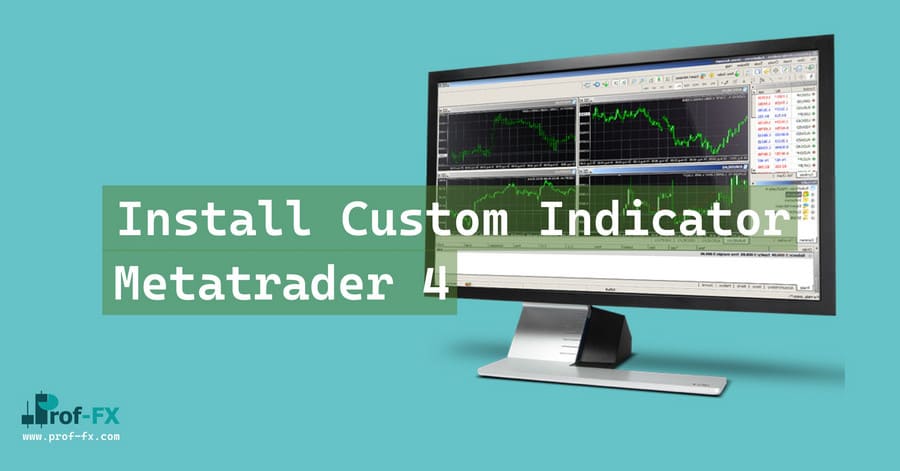
How To Install Metatrader 5 Breakout Zones indicator

  1. Download and save the “Breakout Zones indicator” to your desktop or any other folder located on your computer.
  2. Open your Metatrader 5 platform.
  3. Choose “File” then “Open Data Folder” (Ctrl + Shift + D) on your Metatrader 5 platform.
  4. Explore the following folder: MQL5 > Indicators.
  5. Copy and paste the “Breakout Zones indicator” into this folder.
    Tip: Create subfolders inside the main MT5 Indicators folder to help keep your indicators better organized.
  6. Restart your Metatrader 5.
  7. MT5 custom indicators are stored by default in the custom indicator folder.
    To access these indicators, go to Top Menu > Insert > Indicators > Custom
  8. In order to add a custom indicator to any of your Metatrader 5 charts, you will need to select a forex chart with one mouse click, then go to Top Menu > Insert > Indicators > Custom > click the “Breakout Zones” indicator.
  9. Done!

See a complete guide How To Install Metatrader 5 Custom Indicators

Free Download Breakout Zones indicator for Metatrader 5

  • breakout-zones-indicator.zip
  • Size: 31.7 kb
  • Platform: MT5 | Format: .mql5/.ex5 | File: dir1mt5 | Request Remove!
Forex Advertising rectangle - headway
Forex Advertising Package
Gravatar Image
FX Script is a collective of skilled forex traders with extensive knowledge of MetaTrader indicators. Known for their expertise, they regularly contribute to Prof FX, offering practical trading tips and advanced strategies to guide traders towards success in the forex market.

Leave a Reply

Your email address will not be published. Required fields are marked *

Read and Using Support Resistance

The two very widely known terms when it comes to trading any type of financial instruments are Support and Resistance.

Job Announcement Forex

Employment announcements report on the number of new jobs that have been created in an economy and the percentage of

What Are Lagging Indicators
by Calvin B. - Dec 08 | in Technical

Lagging indicators often carry a reputation for being misunderstood, but they remain one of the most reliable tools for analyzing

Day Trading Forex Using Bollinger Band

Day trading with Bollinger Bands® is not the most common way traders use this indicator. However, among experienced intraday traders,

Business Confidence Report

Business confidence announcements report on how confident the business managers within an economy are. Confident business managers tend to hire

How Trade Williams'R

The Williams’ %R indicator, invented by Larry Williams measures momentum in the forex market. The Williams’ %R indicator oscillates between

Forex Market Open in Malaysia Time
by Ameer L. - Aug 24 | in Forex for Beginners

The forex market, known for its 24-hour trading cycle, offers immense opportunities for traders worldwide. If you’re trading from Malaysia,

The Art of Cutting Losses & Letting Winners Run

For years, I was losing money because I didn’t get it. Not really. You hear it everywhere, it’s probably the