
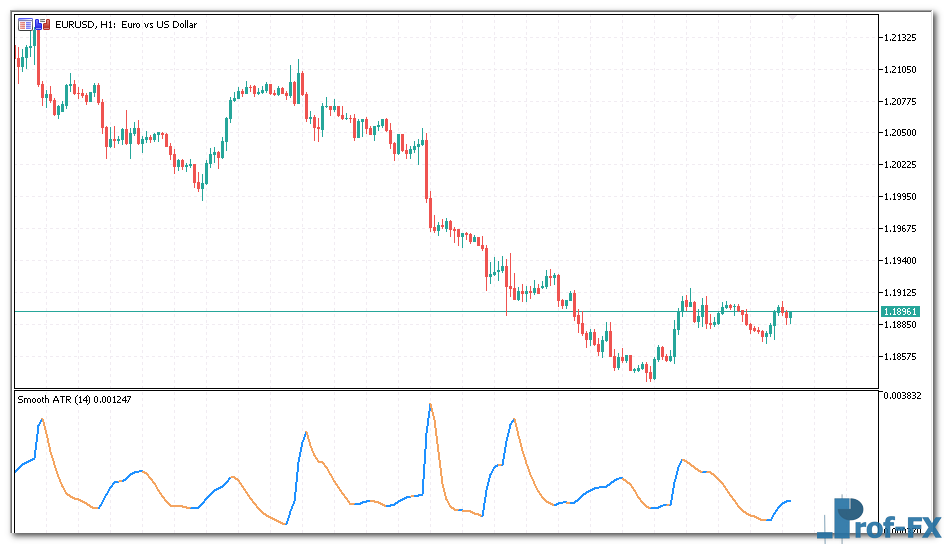
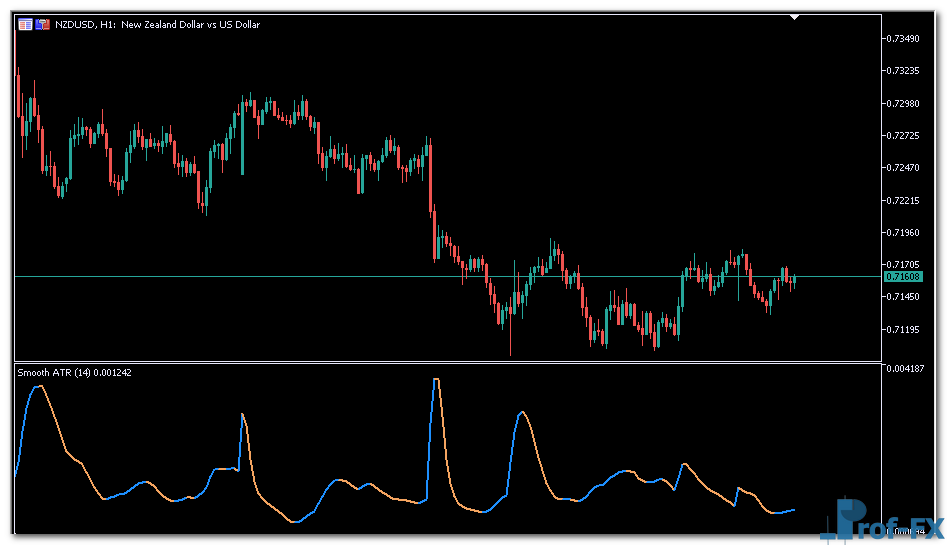
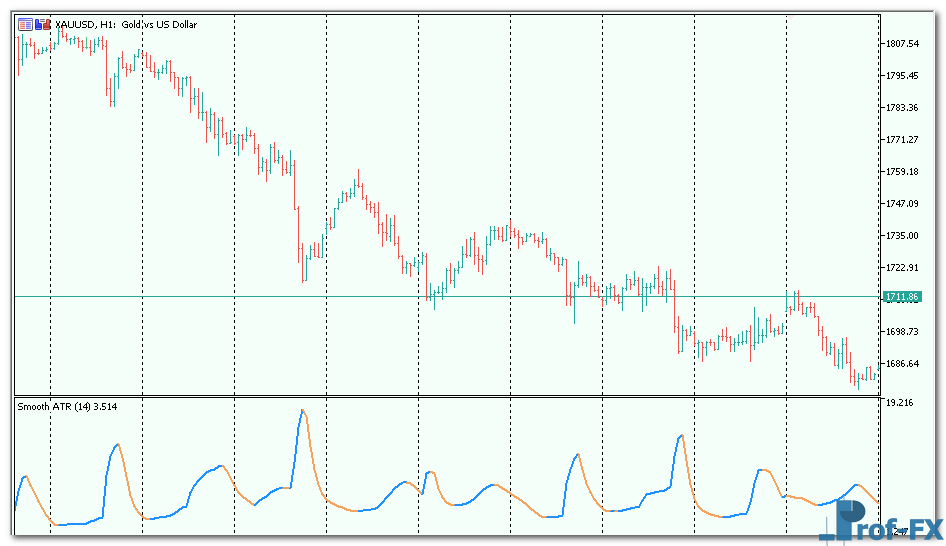
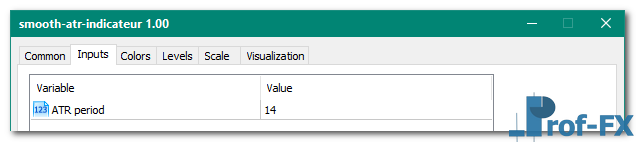
Smooth ATR

Smooth ATR metatrader 5

Smooth ATR metatrader 5

Smooth ATR metatrader 5

Smooth ATR metatrader 5

Smooth ATR metatrader 5


How To Install Metatrader 5 Smooth ATR indicator

  1. Download and save the “Smooth ATR indicator” to your desktop or any other folder located on your computer.
  2. Open your Metatrader 5 platform.
  3. Choose “File” then “Open Data Folder” (Ctrl + Shift + D) on your Metatrader 5 platform.
  4. Explore the following folder: MQL5 > Indicators.
  5. Copy and paste the “Smooth ATR indicator” into this folder.
    Tip: Create subfolders inside the main MT5 Indicators folder to help keep your indicators better organized.
  6. Restart your Metatrader 5.
  7. MT5 custom indicators are stored by default in the custom indicator folder.
    To access these indicators, go to Top Menu > Insert > Indicators > Custom
  8. In order to add a custom indicator to any of your Metatrader 5 charts, you will need to select a forex chart with one mouse click, then go to Top Menu > Insert > Indicators > Custom > click the “Smooth ATR” indicator.
  9. Done!

See a complete guide How To Install Metatrader 5 Custom Indicators

Free Download Smooth ATR indicator for Metatrader 5

  • smooth-atr.zip
  • Size: 39.5 kb
  • Platform: MT5 | Format: .mql5/.ex5 | File: dir2mt5 | Request Remove!
Forex Advertising rectangle - headway
Forex Advertising Package
Gravatar Image
FX Script is a collective of skilled forex traders with extensive knowledge of MetaTrader indicators. Known for their expertise, they regularly contribute to Prof FX, offering practical trading tips and advanced strategies to guide traders towards success in the forex market.

Leave a Reply

Your email address will not be published. Required fields are marked *

Long vs Short Positions in Forex Trading

Understanding how to take long and short positions is one of the most fundamental concepts every forex trader must master.

Need to Know About Forex Trading
by Calvin B. - Aug 26 | in Forex for Beginners

What is Everything I Need to Know About Forex Trading? General Info Brief overview of forex trading. > Read what

How to Trade the Bearish Harami Candlestick Pattern

The Bearish Harami is a well-known candlestick reversal pattern that often appears near the top of an uptrend, signaling a

What is the MACD Indicator

What is MACD? The Moving Average Convergence Divergence (MACD) is a technical indicator used to analyze the relationship between exponential moving

Government Intervention And Economic Calendar in Forex

Why do we care if the country that issued the currency has an over-involved government that likes to intervene in

Manufacturing Report Announcement

Manufacturing announcements report on how much manufacturing activity is taking place within an economy. Manufacturing is one of the most

Install Metatrader 4 Custom Indicator
by Prof Team - Sep 13 | in Forex Basics

Installing custom indicators to the Metatrader 4 platform is actually a pretty simple task. Please find below the 7 steps

Should you close trades before the weekend

It’s Friday. TGIF! You already have a drink in your hand and ready for some weekend activities, but you still