
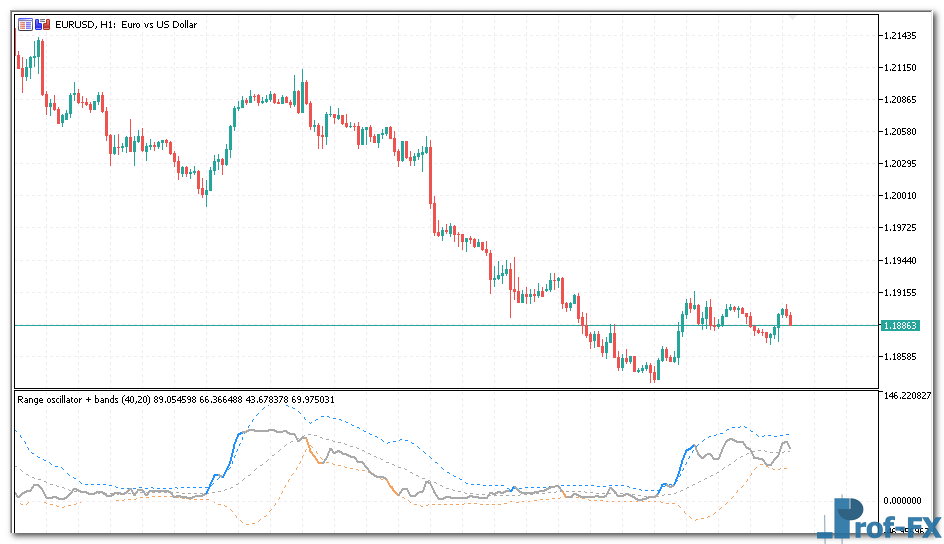
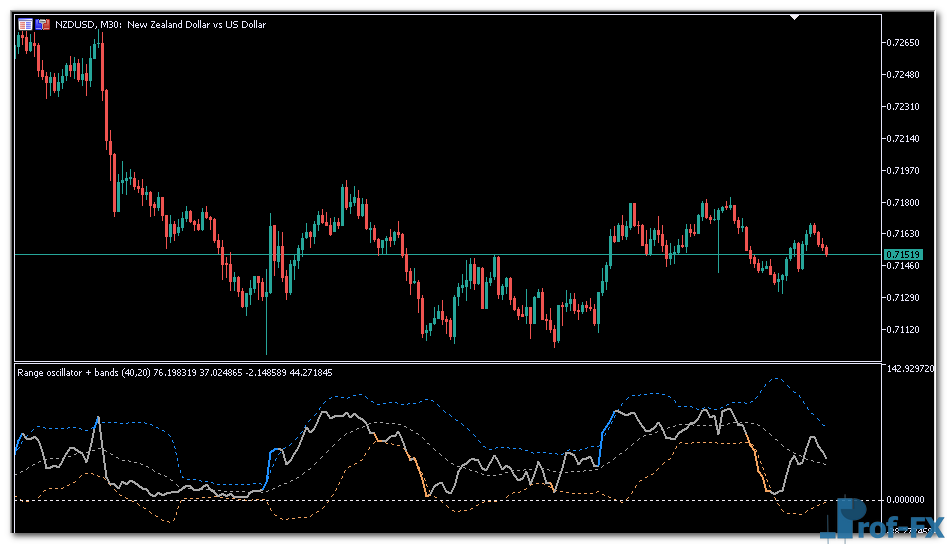
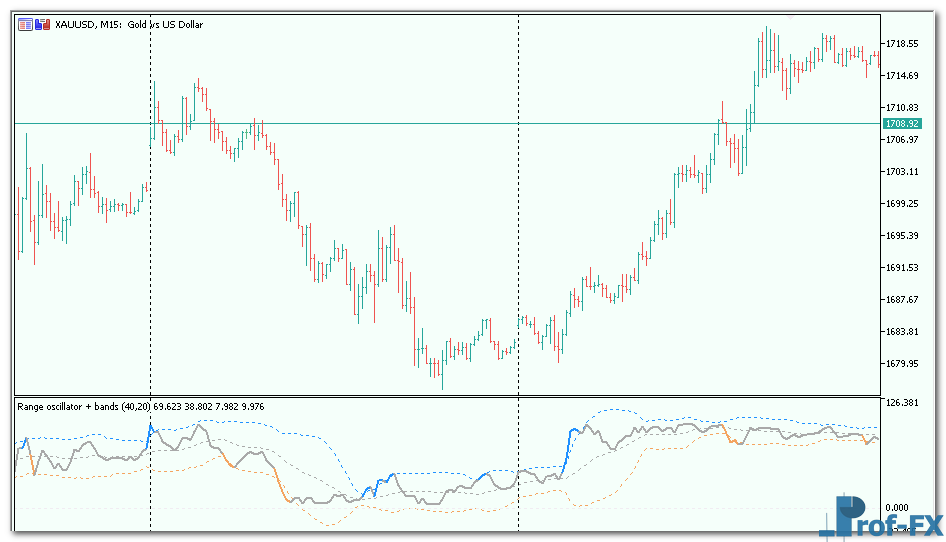
Range Oscillator with Bands

Range Oscillator with Bands mt5
Range Oscillator with Bands mt5 Range Oscillator with Bands mt5

How To Install Metatrader 5 Range Oscillator with Bands indicator

  1. Download and save the “Range Oscillator with Bands indicator” to your desktop or any other folder located on your computer.
  2. Open your Metatrader 5 platform.
  3. Choose “File” then “Open Data Folder” (Ctrl + Shift + D) on your Metatrader 5 platform.
  4. Explore the following folder: MQL5 > Indicators.
  5. Copy and paste the “Range Oscillator with Bands indicator” into this folder.
    Tip: Create subfolders inside the main MT5 Indicators folder to help keep your indicators better organized.
  6. Restart your Metatrader 5.
  7. MT5 custom indicators are stored by default in the custom indicator folder.
    To access these indicators, go to Top Menu > Insert > Indicators > Custom
  8. In order to add a custom indicator to any of your Metatrader 5 charts, you will need to select a forex chart with one mouse click, then go to Top Menu > Insert > Indicators > Custom > click the “Range Oscillator with Bands” indicator.
  9. Done!

See a complete guide How To Install Metatrader 5 Custom Indicators

Free Download Range Oscillator with Bands indicator for Metatrader 5

  • range-oscillator-with-bands.zip
  • Size: 36.6 kb
  • Platform: MT5 | Format: .mql5/.ex5 | File: dir2mt5 | Request Remove!
Forex Advertising rectangle - headway
Forex Advertising Package
Gravatar Image
FX Script is a collective of skilled forex traders with extensive knowledge of MetaTrader indicators. Known for their expertise, they regularly contribute to Prof FX, offering practical trading tips and advanced strategies to guide traders towards success in the forex market.

Leave a Reply

Your email address will not be published. Required fields are marked *

Master MACD Crossover Entries

Many traders actively seek opportunities during volatile market conditions because these periods often present strong trading potential. However, while volatility

Long vs Short Positions in Forex Trading

Understanding how to take long and short positions is one of the most fundamental concepts every forex trader must master.

The Reserve Bank of New Zealand

The Reserve Bank of New Zealand (RBNZ) serves as the nation’s central bank, with a clearly defined responsibility to maintain

Three Major Groups currency pairs forex

Currency pairs are typically divided into the following three major groups: Major currency pairs Emerging market currency pairs Currency crosses

How to Trade Forex with Confidence

Trading confidence is not something traders are born with—it is developed through structure, discipline, and experience. In the forex market,

Role of Central Bank in Forex Market

Central banks do not like uncertainty or unusual levels of volatility in the Forex market. It is much harder to maintain

Opening Range Breakout Strategy build

Key Concepts Discussed in This Guide Understanding what the opening range represents in financial markets Why the opening range bias

How to Trade Dark Cloud Cover Pattern Forex

Understanding the Dark Cloud Cover in Price Action Trading The Dark Cloud Cover pattern is a powerful bearish reversal signal