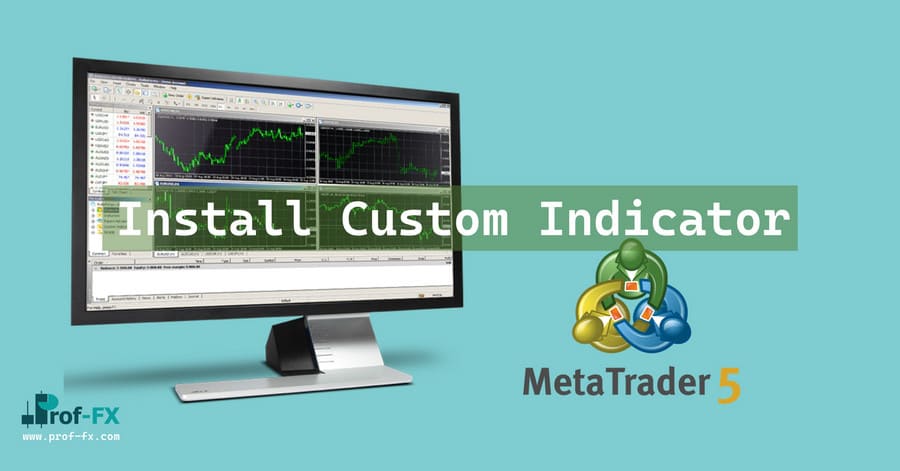
Install Metatrader 5 Custom Indicator

Change Languange:

Installing custom indicators to the Metatrader 5 trading platform is a very simple process and should take less than two minutes to complete.

7 Steps to installing custom MT5 indicators.

1. Open your Metatrader 5 platform.

2. Choose “File” then “Open Data Folder” (Ctrl + Shift + D) on your Metatrader 5 platform.

img

3. Explore the following folder: MQL5 > Indicators.

img 1

img 2

4. Copy and paste your custom indicator into this folder.
Tip: Create subfolders inside the main MT5 Indicators folder to help keep your indicators better organized. (for example: “ProfFX” folder)

img

5. Restart your Metatrader 5.

6. MT5 custom indicators are stored by default in the custom indicator folder.
To access these indicators, go to Top Menu > Insert > Indicators > Custom

7. In order to add a custom indicator to any of your Metatrader 5 charts, you will need to select a forex chart with one mouse click,
then go to Top Menu > Insert > Indicators > Custom > click the indicator of your choice. (example: “Donichan Channel” Indicator)

img

8. Done!

img

Gravatar Image
Prof FX is the world’s leading forex education website, providing investors all the required tools to become a top class forex trader. The Prof-FX.com team offers global investors an array of resources, including financial news by the minute, forex brokers reviews, fundamental analysis, technical analysis, forex tools, metatrader indicators and much more.

Leave a Reply

Your email address will not be published. Required fields are marked *

Taking Opportunity on Market

Many of us know someone in our family who went through the Great Depression of the 1930’s. Often, these survivors

The ultimate forex trading plan guide
by Ameer L. - Dec 09 | in Forex Basics

Building your trading plan will be by far the most important part of your forex trading success. Too many forex

Top 5 Reasons Backtesting Is The Ultimate Skill

“I’m close to going live with my system! It works perfectly!” – “Great! Have you backtested your system?” “What’s backtesting?”

Install Metatrader 4 Custom Indicator
by Prof Team - Sep 13 | in Forex Basics

Installing custom indicators to the Metatrader 4 platform is actually a pretty simple task. Please find below the 7 steps

Bearish Flag Pattern

As a trader in the Forex market, one of the most critical skills you can possess is the ability to

How to Trade Market Gaps Effectively in Forex and Stocks

Gap trading is one of the most distinctive price action phenomena in financial markets. When used correctly, gaps can offer

Ascending Triangle Pattern Trading Guide

The ascending triangle pattern, often referred to as a rising triangle, is one of the most reliable bullish continuation patterns

What Are Safe-Haven Assets

In the unpredictable world of financial markets, safe-haven assets serve as a shield against economic turbulence. These assets are the