
FXprime

FXprime mt4 indicator
FXprime mt4 indicator FXprime mt4 indicator

How to Instal “FXprime” Indicator for Metatrader 4

  1. Open your Metatrader 4 platform.
  2. Download and save the “FXprime” indicator to your desktop or any other folder located on your local computer.
  3. Choose “File” then “Open Data Folder” (Ctrl + Shift + D) on your Metatrader 4 platform.
  4. Explore the following folder: MQL4 > Indicators.
  5. Copy and paste the “FXprime” indicator into this folder.
  6. Restart Metatrader 4.
  7. “FXprime” indicators are stored by default in the custom indicator folder.
  8. To access these indicators, go to Top Menu > Insert > Indicators > Custom.
  9. In order to add a “FXprime” indicator to any of your Metatrader 4 charts, you will need to select a forex chart with one mouse click, then go to Top Menu > Insert > Indicators > Custom > click the “FXprime”.
  10. Done!

See a complete guide How To Install Metatrader 4 Custom Indicators

Free Download FXprime indicator for Metatrader 4

  • fxprime.zip
  • Size: 20.3 kb
  • Platform: MT4 | Format: .mql4/.ex4 | File: dir7mt4 | Request Remove!
Forex Advertising rectangle - headway
Forex Advertising Package
Gravatar Image
FX Script is a collective of skilled forex traders with extensive knowledge of MetaTrader indicators. Known for their expertise, they regularly contribute to Prof FX, offering practical trading tips and advanced strategies to guide traders towards success in the forex market.

Leave a Reply

Your email address will not be published. Required fields are marked *

Trading Psychology Guide for Consistent Forex Success

Understanding Trading Psychology Beyond the Basics Trading psychology is one of the most underestimated aspects of forex trading, yet it

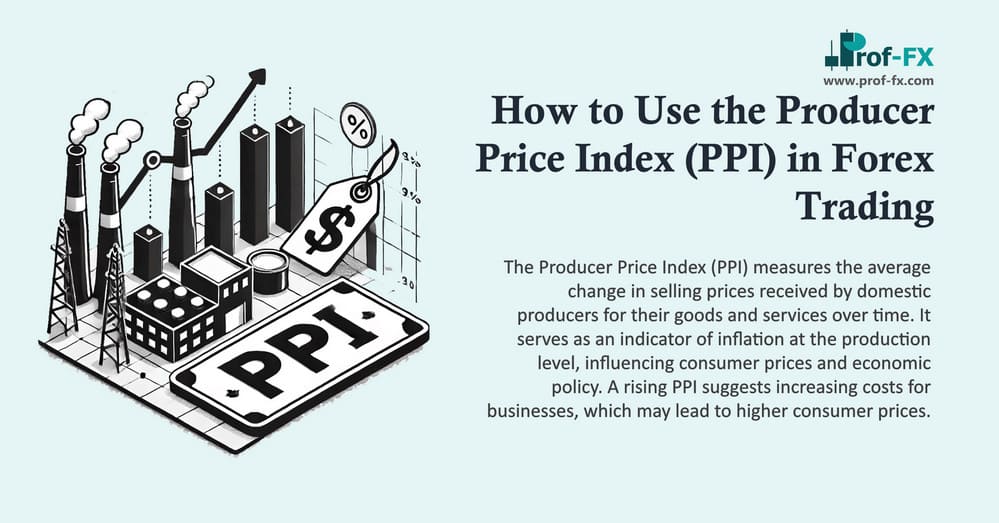
How to Use the Producer Price Index (PPI) in Forex Trading

The Producer Price Index (PPI) is a critical economic indicator that forex traders use to gauge inflation trends and predict

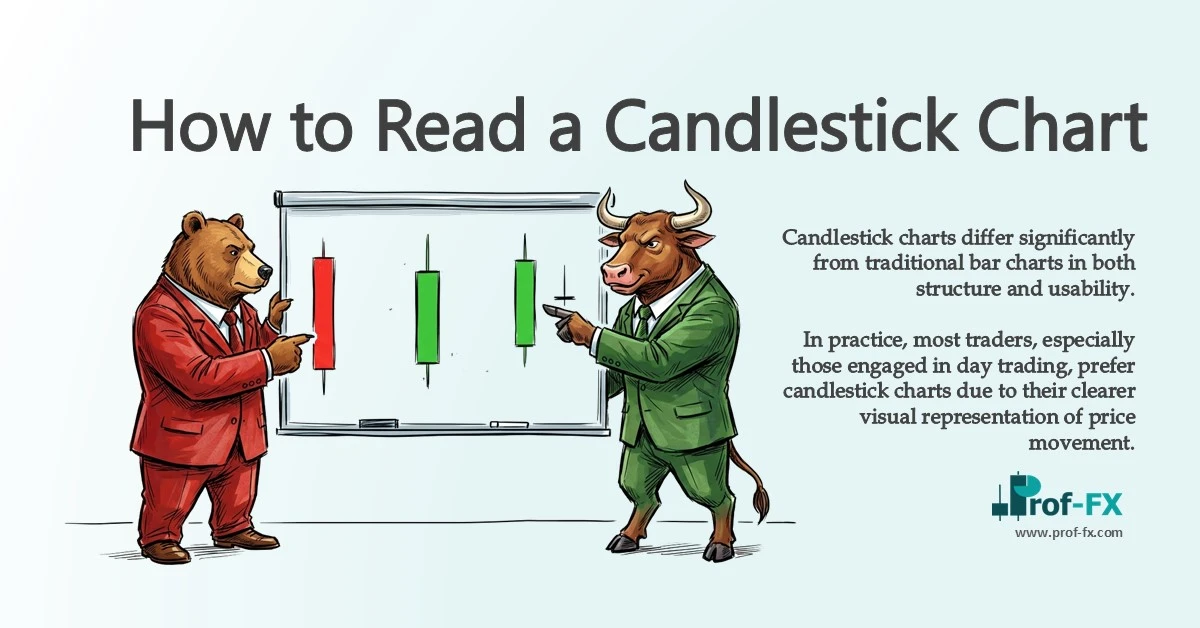
How to Read a Candlestick Chart in Forex Trading

Key Concepts of Reading Candlestick Charts Candlestick charts differ significantly from traditional bar charts in both structure and usability. In

Who Are The Top Richest Forex Traders in The World

The richest forex traders are surely the people we should look up to. But besides knowing and admiring them, we can actually

Monitor Forex Market 24 Hours Cycle

Monitoring what is happening throughout the day in the Forex market is much more difficult than monitoring what is happening

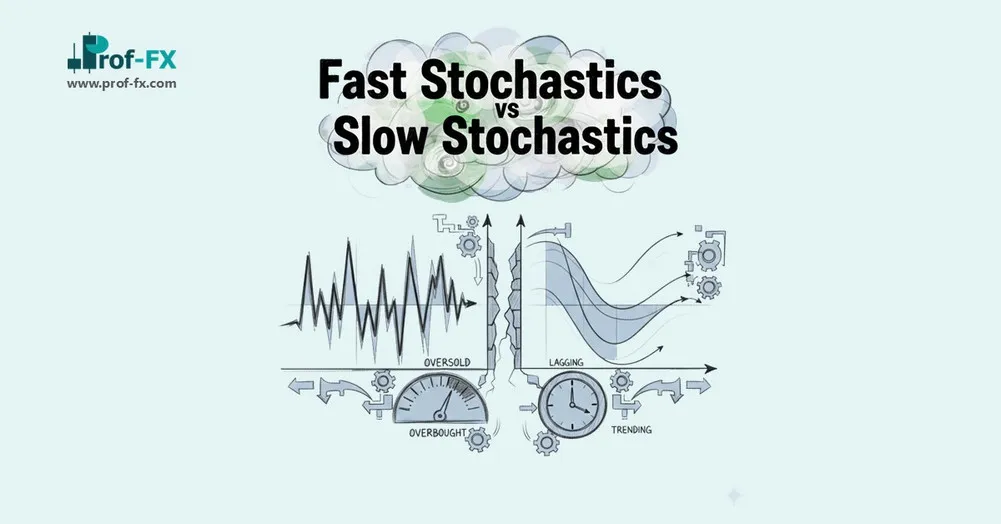
How Stochastic Settings Reveal Market Momentum, Trend Alignment, and Entry Timing for Forex Traders Introduction — Why Forex Traders Must

Central Bank Key Player in The Forex

Central banks are manipulators. Now, don’t get us wrong. Central banks are not malicious manipulators. They are not out in

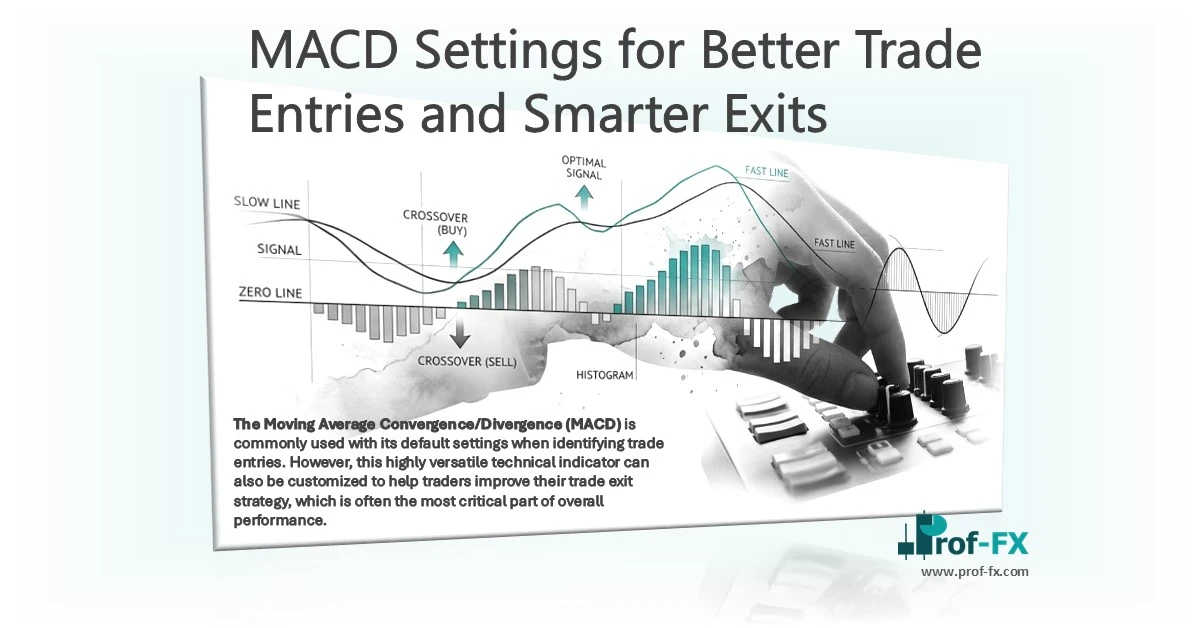
MACD Settings for Better Trade Entries and Smarter Exits

The Moving Average Convergence/Divergence (MACD) is commonly used with its default settings when identifying trade entries. However, this highly versatile